 Spring Boot
 Module 1. Initialize Project
Module 2. REST services
Install Java
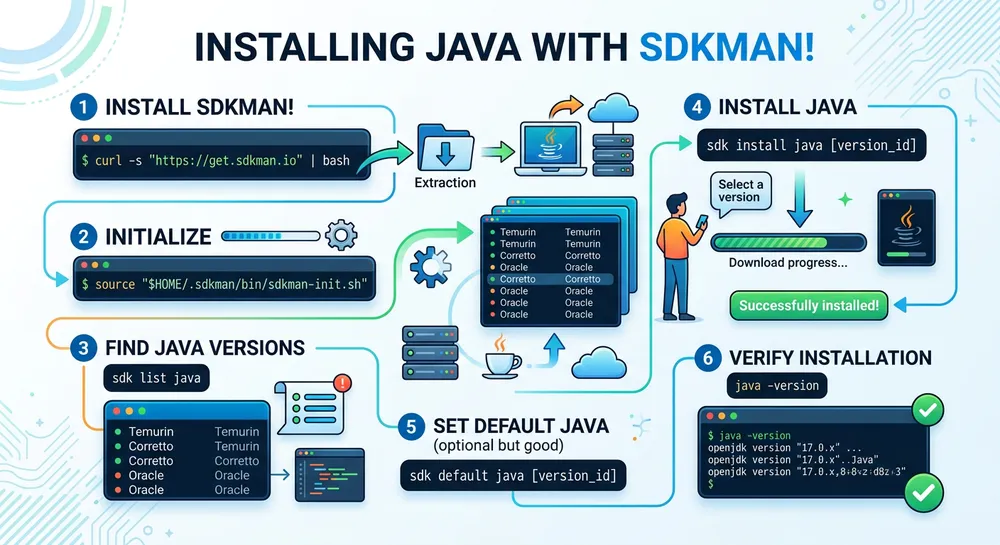
To install Java we will use SDKMAN!
SDKMAN! is a tool for managing parallel versions of multiple Software Development Kits on Unix based systems. It’s useful for installing multiple versions of Java, Maven, Spring CLI, etc.
1.Install SDKMAN!
Install curl, unzip, and zip.
sudo apt install -y unzip zip curlThe curl tool is required to download the installation script.
unzip and zip tools are used in the installation script.
Download and execute the installation script.
curl -s "https://get.sdkman.io" | bashComplete the installation.
source ~/.sdkman/bin/sdkman-init.shCheck the SDKMAN! version
sdk version2.Install Java
Check available Java versions.
sdk list javaInstall Java using SDKMAN!.
sdk install java 25.0.1-temCheck Java installation.
java --version